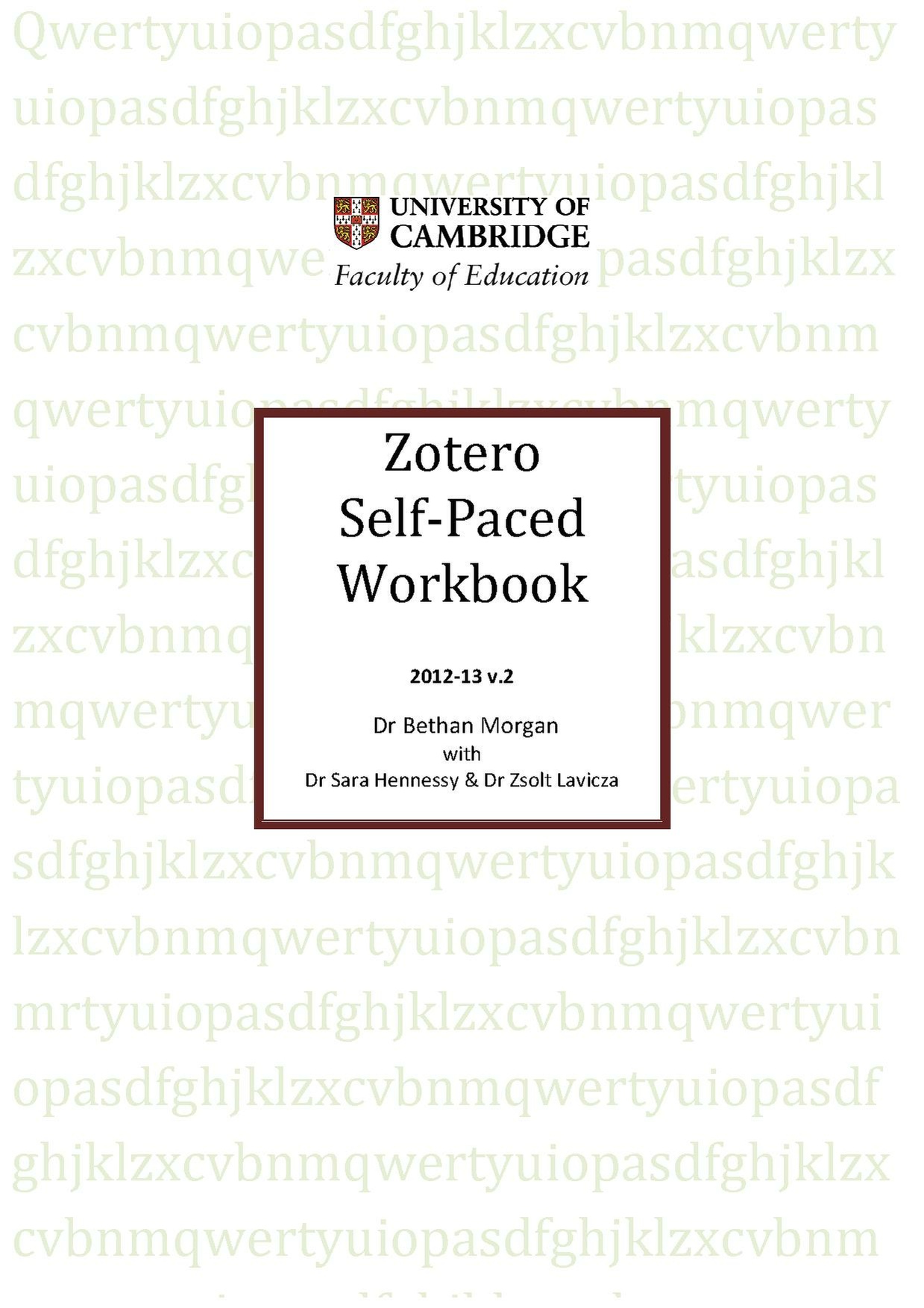
A Zotero Self-Paced Study Guide: Difference between revisions
From OER in Education
No edit summary |
No edit summary |
||
| Line 8: | Line 8: | ||
|resourcenumber=TE0138 | |resourcenumber=TE0138 | ||
|age=Higher | |age=Higher | ||
|content=Zotero is free software which you can use: | |content=Zotero is free software which you can use on any platform: | ||
* to record references manually and from online searches; | * to record references manually and from online searches (never type a reference again!); | ||
* to build up a library as you search online, store references on your computer AND synchronise them online with a free Zotero account; | * to build up a library as you search online, store references on your computer AND synchronise them online with a free Zotero account; | ||
* to tag and search references, store abstracts and notes on your readings; | * to tag and search references, store abstracts and notes on your readings; | ||
* to compile references in your course assignments or thesis automatically. | * to compile references in your course assignments or thesis automatically. | ||
Zotero is designed to work in conjunction with Word and | Zotero is designed to work in conjunction with Word and OpenOffice. | ||
|strategy= | |strategy= | ||
|tagline=Using Zotero will save you hours of typing out references | |tagline=Using Zotero will save you hours of typing out references! Just work through these 24 short tasks and you'll be good to go. | ||
|Learning Objectives= Become a Zotero whizz by working through these 5 sections: | |Learning Objectives= Become a Zotero whizz by working through these 5 sections: | ||
*installing the software/basic features | *installing the software/basic features | ||
Revision as of 16:13, 5 October 2012

Using Zotero will save you hours of typing out references! Just work through these 24 short tasks and you'll be good to go.
Lesson idea. Zotero is free software which you can use on any platform:
- to record references manually and from online searches (never type a reference again!);
- to build up a library as you search online, store references on your computer AND synchronise them online with a free Zotero account;
- to tag and search references, store abstracts and notes on your readings;
- to compile references in your course assignments or thesis automatically.
Zotero is designed to work in conjunction with Word and OpenOffice.
Teaching approach. Work through this comprehensive but easily accessible study guide at your own pace. There are 24 short tasks arranged around 5 main sections as outlined in the learning objectives below. You can also see some preview snapshots of the book at the bottom of this page. Spend an hour or so with your workbook and save hours of typing out references. (edit)
| Resource details | |
| Title | A Zotero Self-Paced Study Guide |
| Topic | |
| Teaching approach | |
| Learning Objectives | Become a Zotero whizz by working through these 5 sections:
|
| Format / structure | Online workbook |
| Subject | |
| Age of students / grade | |
| Table of contents | |
| Additional Resources/material needed | |
| Useful information | |
| Related ORBIT Wiki Resources | |
| Other (e.g. time frame) | |
| Files and resources to view and download | The resource is available in a number of formats:
|
| Acknowledgement | Dr Bethan Morgan Dr Sara Hennessy {{[Dr Zsolt Lavicza}} |
| License | |